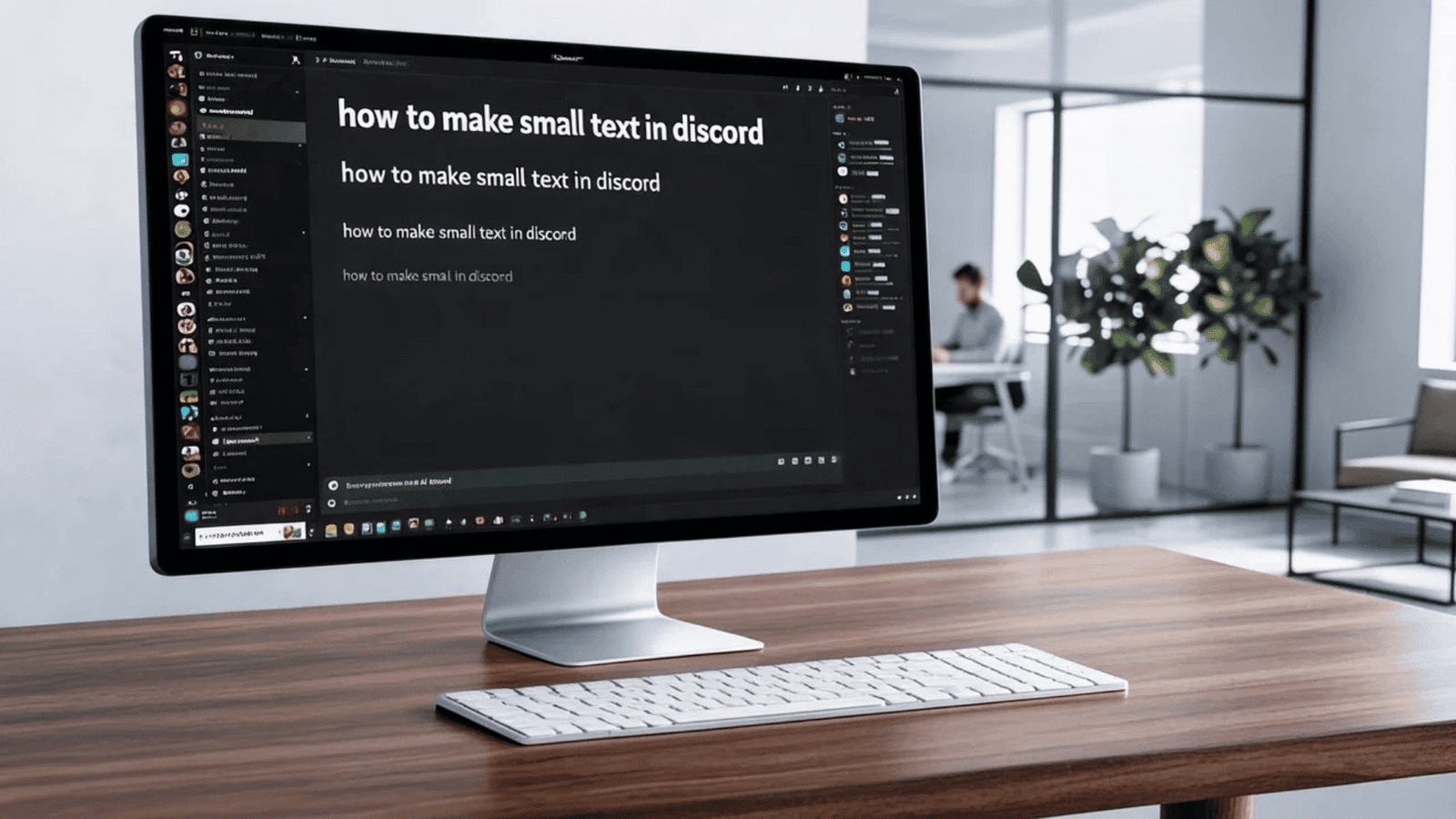
Discord small text is a fun way to make your messages look different. It can make usernames, jokes, status messages, and channel posts more interesting. Discord does not have a normal button for making text smaller. However, you can use Unicode characters to create a tiny-text effect. These characters look smaller because they come from different Unicode sets. They are not the same as changing the font size in a document.
In this guide, you will learn how small text works on Discord. You will also see simple examples that you can copy. The goal is to keep everything easy and practical. You do not need coding skills for this method. You can create tiny-looking text on a phone or computer. We will also explain the limits of small text. This helps you avoid confusing characters or broken formatting.
What Is Discord Small Text?
Discord small text is text that uses special Unicode characters. These characters can appear smaller than regular letters. For example, normal text might look like HELLO, while small Unicode text can look like ʜᴇʟʟᴏ. The second version uses different characters rather than a smaller font setting.
This difference is important. Discord is displaying the characters as they are provided. You are not actually reducing the font size. The result can look like tiny text, small caps, or superscript text. The appearance depends on the characters you choose. Some Unicode characters also look unusual on certain devices. Therefore, it is best to test your message before using it in an important post.
How Does Tiny Text Work on Discord?
Tiny text works because Unicode contains thousands of characters. Some of them resemble smaller versions of common letters. Discord can display many of these characters as normal text. You can therefore combine them to create a smaller-looking phrase.
For example, small-capital characters can create an effect like ᴅɪsᴄᴏʀᴅ. Superscript characters can create another style. However, not every letter has a perfect Unicode match. Some characters may be missing or look different. This is why a Unicode text generator can be helpful. It automatically replaces supported letters with similar characters.
How to Make Discord Small Text
Creating discord small text is usually very simple. First, write the phrase you want to use. Then, convert it into Unicode small characters. You can do this manually if you know the available characters. A Unicode text generator can make the process faster.
After converting the text, copy the result. Open Discord and paste it into your message box. Check the preview before sending it. If the characters look correct, send the message. You can use this method for casual messages, profile descriptions, and creative posts. Remember that the text is still regular Unicode text. Discord does not treat it as a separate font size.
Discord Small Text Copy and Paste
Copy and paste is one of the easiest ways to use discord small text. You do not need to install special software. Simply create or convert your text first. Then copy the finished characters to your clipboard.
For example, you can use styles such as:
- ᴛɪɴʏ ᴛᴇxᴛ
- ˢᵐᵃˡˡ ᵗᵉˣᵗ
- ᵗᵉˣᵗ
- ᴅɪsᴄᴏʀᴅ
- ʜᴇʟʟᴏ
The exact appearance may change between devices. Some letters may not have a suitable Unicode equivalent. If that happens, try another style. Copying the final result is often easier than building each character yourself.
Small Caps Text for Discord
Small caps are popular because they are easy to read. They use characters that resemble uppercase letters but appear smaller. A phrase like SMALL TEXT can become sᴍᴀʟʟ ᴛᴇxᴛ with suitable Unicode characters.
This style works well for short phrases. It can add a subtle design touch without making your message difficult to understand. You can use it for headings, jokes, or short announcements. However, avoid using it for long paragraphs. Readers may find unusual Unicode characters harder to scan. Good design should improve readability rather than reduce it.
Superscript Text on Discord
Superscript is another popular style for making discord small text. Superscript characters appear above the normal writing line. You may have seen them in mathematics or scientific writing.
A simple example is:
normal text
ˢᵐᵃˡˡ ᵗᵉˣᵗ
Superscript has one major limitation. Unicode does not provide a matching superscript character for every letter. Some letters have special versions, while others do not. This means a complete sentence may not convert perfectly. For this reason, superscript works best with short words and phrases.
Can You Change Discord’s Actual Font Size?
Discord does not normally let you change the font size of an individual message using a simple formatting command. The platform controls the standard message appearance. You can change some accessibility or display settings on your device or within Discord, but that affects how text is displayed more broadly.
Unicode small text is different. It changes the characters you type rather than changing Discord’s message font. This explains why discord small text can work without special permissions or settings. It also explains why the result can vary across devices.
Discord Small Text on Mobile
You can create discord small text on Android and iPhone devices. The easiest approach is usually copy and paste. Find or create the Unicode version of your text. Copy it and open your Discord app.
Tap the message field and paste the characters. Review the message before sending it. If the characters look strange, try another Unicode style. Mobile keyboards may also provide some special characters, but manually finding every character can take time. A generator is usually more convenient for longer phrases. Always remember that Unicode support can differ between operating systems.
Discord Small Text on PC
Using small text on a computer is also straightforward. You can create the Unicode text in your browser or another text tool. Then copy it into Discord.
This method works in the desktop application and browser version in many cases. If the text does not appear correctly, the issue may involve font support. The recipient’s device can also affect how the characters appear. Therefore, avoid relying on unusual Unicode text for important instructions. Standard letters remain the safest option when clarity matters.
Best Uses for Tiny Discord Text
Tiny text can be useful in several creative situations. You can use it to decorate short messages or add personality to your profile. Some users also use small characters for jokes, roleplay, or community themes.
Good examples include:
- Short profile descriptions
- Funny reactions
- Decorative headings
- Gaming messages
- Community announcements
- Roleplay dialogue
- Short status ideas
The best use depends on your community. If your server has many users, readability should remain your priority. A little styling can look great. Too much styling can make messages harder to understand.
Problems With Unicode Small Text
Unicode text is not perfect. Some characters may appear as boxes or missing symbols. This usually happens when a device or font does not support the character. Different platforms can also display the same character slightly differently.
Another issue is accessibility. Screen readers may pronounce unusual Unicode characters strangely. This can make your message difficult for some users. You should therefore use decorative text carefully. Keep important information in standard characters. Use tiny Unicode styles mainly for optional decoration.
Is Discord Small Text Safe to Use?
Using ordinary Unicode characters is generally harmless. You do not need to install an application just to paste Unicode text into Discord. However, be careful with websites offering text generators. Avoid downloading unknown programs or browser extensions.
You should also watch for misleading characters. Some Unicode symbols can resemble normal letters while being different characters. This can cause confusion in usernames or links. For security, never assume that a strange-looking address is trustworthy. When sharing important information, use clear and familiar text.
Discord Small Text Generator
A discord small text generator can convert normal writing into different Unicode styles. You type your phrase into the tool. The generator then provides several variations. You can select the one you like and copy it.
This can save time because you do not need to find individual Unicode characters. It also lets you compare several styles quickly. Still, check the final result before posting. Some generators may produce characters that are difficult to read. A simple small-cap style is usually better than an extremely decorative style.
Tips for Better Discord Formatting
Good Discord formatting is more than making text look small. The message should remain easy to read. Use short sentences and leave enough space between ideas. Combine Unicode with Discord’s normal formatting features when useful.
For example, you could use a small Unicode heading above a normal explanation. This creates visual contrast without making the whole message difficult to read. Avoid converting every word into unusual characters. Use special text as an accent rather than the main format.
Common Mistakes to Avoid
One common mistake is assuming that Unicode small text is a real font-size change. It is not. It is simply a different set of characters. Another mistake is using too many decorative characters at once.
Some users also copy text without checking it first. This can result in missing letters or strange symbols. Always preview your message. If your text is important, test it on another device if possible. Clear communication should always come before decoration.
Why People Like Small Discord Text
People enjoy discord small text because it gives ordinary messages a different personality. Discord communities often have their own styles and inside jokes. Small Unicode characters can help users match that creative atmosphere.
The effect is especially useful for short messages. A tiny heading can look neat beside a normal paragraph. A small reaction can also feel playful. The key is moderation. When used thoughtfully, unusual text can make your messages more memorable without hurting readability.
FAQs About Discord Small Text
1. How do I make small text on Discord?
You can use Unicode characters that resemble smaller letters. Convert your text, copy the result, and paste it into Discord.
2. Does Discord have a small-text button?
No. Discord does not provide a standard button for reducing the font size of one message. Unicode characters create the small-text appearance instead.
3. Can I use small text on Discord mobile?
Yes. Unicode text can usually be copied and pasted into Discord on both Android and iPhone devices.
4. Why does my tiny text look different?
Unicode characters depend on device and font support. Different operating systems may display some characters differently.
5. Can every letter become small?
No. Unicode does not provide matching small versions for every character. Some letters may need different alternatives.
6. Is Unicode small text safe?
Ordinary Unicode text is generally safe to paste. However, avoid unknown downloads and be careful with unusual characters in usernames or links.
Conclusion
Discord small text is an easy way to give your messages a unique look. It does not actually change Discord’s font size. Instead, it uses special Unicode characters that appear smaller. You can create the effect on both computers and mobile devices. Copy-and-paste tools make the process even easier.
The best approach is to keep your text simple and readable. Use tiny characters for short headings, jokes, profiles, and creative messages. Avoid using them for important information that everyone needs to understand. When used in moderation, small Unicode text can add personality without making your Discord messages confusing. Try a few styles and choose the one that looks clear on your device