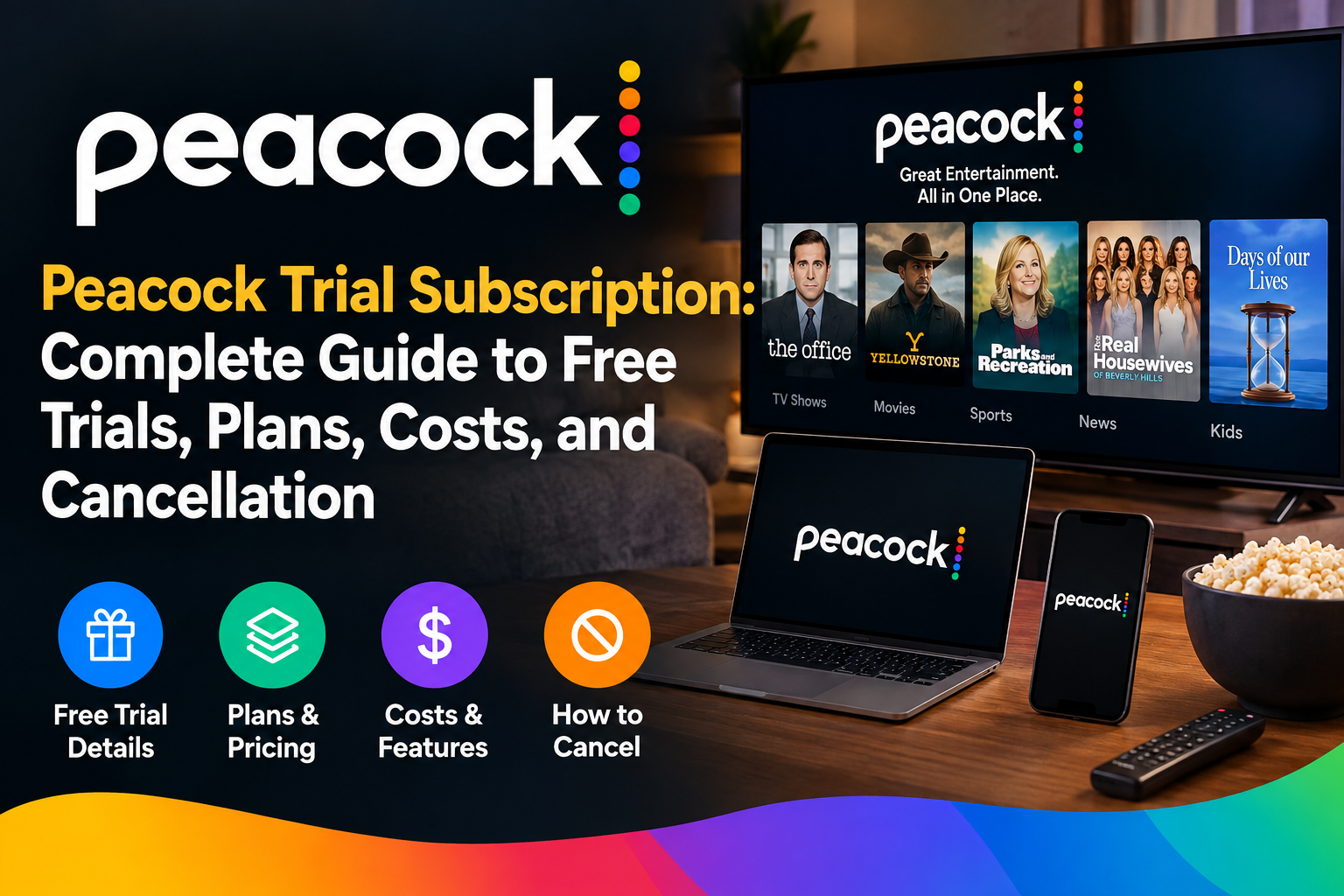
If you want to watch Peacock without making a long commitment, a peacock trial subscription may sound like the perfect option. It can help you explore movies, TV shows, sports, and Peacock Originals before paying for a full plan. However, trial offers can change over time. They may also depend on promotions, account status, or how you subscribe. Peacock’s current official information says there are no free trials for its base plans at this time. A 7-day free trial is available for the STARZ add-on for eligible direct-billed customers. This guide explains what that means for new viewers. It also covers current Peacock plans, prices, billing, cancellation, and ways to avoid unexpected charges. The goal is simple. You should know what you are getting before entering your payment details.
Peacock Trial Subscription at a Glance
Before signing up, it helps to understand the current situation. A peacock trial subscription is not currently offered as a standard free trial for Peacock’s base plans. Peacock currently lists Select, Premium, and Premium Plus as its main subscription choices. Select costs $8.99 per month or $89.99 per year. Premium costs $12.99 per month or $129.99 per year. Premium Plus costs $19.99 per month or $199.99 per year. These prices can change, so checking the official Peacock page before payment is wise. Promotional offers can also appear at different times. If you see a trial offer during checkout, read its terms carefully. Look for the trial length, renewal price, and cancellation deadline. This simple check can prevent unwanted billing later.
| Detail | Current Information |
| Service | Peacock |
| Standard base-plan free trial | Not currently offered |
| Select | $8.99/month or $89.99/year |
| Premium | $12.99/month or $129.99/year |
| Premium Plus | $19.99/month or $199.99/year |
| STARZ add-on trial | 7 days for eligible direct-billed customers |
| Cancellation | Available through account or billing provider |
| Free content after cancellation | Limited content may remain available |
Is There a Peacock Free Trial Right Now?
Many people search for a peacock trial subscription because they remember streaming services offering seven-day or thirty-day trials. Peacock’s current help information gives an important update. There are currently no free trials for Peacock’s base plans. This means you should not assume that creating a new account automatically gives you free Premium access. Peacock may still run special promotions from time to time. Some offers may come through partners or specific campaigns. Therefore, always check the exact offer shown during signup. A promotion can have different rules from the normal subscription. You should also check whether the offer applies only to new or eligible customers. If a trial is advertised elsewhere, verify it through Peacock before entering payment information. This is especially important when an offer sounds unusually generous.
What Does a Peacock Trial Subscription Include?
When available, a peacock trial subscription would normally be connected to a specific promotional offer. The exact benefits depend on the terms displayed during signup. Do not assume every trial includes every Peacock feature. Different Peacock tiers have different content and features. Select, for example, does not include sports, movies, or Peacock Originals. Premium includes TV, movies, sports, and Originals with ads. Premium Plus provides those major categories with fewer advertising interruptions and supports downloads, subject to limitations. A smart approach is to read the plan description before confirming payment. Think about what you actually want to watch. If your main goal is live sports, the basic Select tier may not fit your needs. Choosing the right plan can save money and reduce frustration.
Peacock Plans and Current Prices
Understanding Peacock’s plans makes it easier to compare any future peacock trial subscription offer. The Select plan is the lowest-priced option. It costs $8.99 monthly or $89.99 yearly. It includes TV favorites but excludes sports, movies, and Peacock Originals. Premium costs $12.99 monthly or $129.99 yearly. It adds movies, live sports, and Peacock Originals while still showing ads. Premium Plus costs $19.99 monthly or $199.99 yearly. It offers downloads and fewer ads, although Peacock notes that some sponsored content and live programming can still contain ads. Annual plans can provide savings compared with paying every month. Still, monthly billing may be better if you only want Peacock for a short period.
Peacock Premium vs Premium Plus
If you find a peacock trial subscription for Premium or Premium Plus, compare the two carefully. Premium is designed for viewers who want broad Peacock access while accepting advertisements. It includes movies, shows, live sports, and Peacock Originals. Premium Plus is aimed at people who want fewer interruptions. It also includes downloads, which can be useful for supported viewing situations. However, Premium Plus does not mean every piece of content is completely ad-free. Peacock says ads can remain in channels, live sports, events, and some shows or movies. For many viewers, Premium offers the better value. Premium Plus may make more sense if advertising interruptions bother you. Your viewing habits should guide the decision rather than the name of the plan.
How Peacock Billing Works
A peacock trial subscription can become a paid subscription when its promotional period ends. That is why billing details matter. Peacock’s terms explain that subscribers must cancel before the applicable renewal point to avoid another subscription term. If you subscribe directly, your account contains information about your payment and plan. Peacock also provides a payment history section where account holders can review charges. I recommend checking your billing information immediately after signup. Write down the renewal date if you receive a promotional offer. You can also set a personal reminder a few days before renewal. This is a simple habit, but it can help prevent surprise charges. Never rely only on remembering the trial or promotional end date.
How to Cancel Peacock Before Renewal
If you start a peacock trial subscription through Peacock directly, cancellation is handled through your Peacock account. Peacock says you can select Cancel All Subscriptions and follow the instructions shown on screen. A confirmation message should appear after successful cancellation. Peacock also says a confirmation email may take a few hours to arrive. The important part is confirming that cancellation actually happened. Do not simply remove the Peacock app from your phone or television. Deleting an app does not cancel a subscription. Keep the cancellation confirmation for your records. If your account does not show the cancellation option, your subscription may be managed by another provider. In that situation, you need to cancel through that provider instead.
Can You Keep Watching After Cancellation?
One useful feature is that cancellation does not necessarily end access immediately. If you cancel a paid Peacock Premium or Premium Plus plan, Peacock says you can continue watching Premium content until the end of your current billing cycle. After that period, limited free content may remain available. This makes cancellation less stressful for many viewers. You can cancel before renewal while still using the service for the remaining period. If you have a promotional offer, check its specific terms because promotional access can work differently. The best practice is to cancel early when you know you do not want another charge. Then check your account to confirm the subscription end date. This gives you more control over your streaming budget.
What If You Subscribe Through Apple or Roku?
A peacock trial subscription may be managed differently when purchased through a third party. Peacock lists Apple, Google, Roku, Amazon, and several other providers among third-party billing options. If another company handles your billing, Peacock says you generally need to contact that company to cancel. This distinction is easy to miss. You might have a Peacock account but still need to manage payment through Apple or another platform. Check your Peacock account’s subscription information if you are unsure. The billing provider should help identify where cancellation must happen. Never cancel only through the Peacock website if your payment is handled elsewhere. Doing so may leave the third-party subscription active.
How to Avoid Unexpected Peacock Charges
Before accepting a peacock trial subscription, look beyond the large promotional message. Check the renewal price and payment frequency. Look for whether the offer changes into monthly or annual billing. Also check whether the offer includes an add-on. Peacock allows certain add-ons, and those can have separate charges or terms. For example, Peacock currently says eligible direct-billed customers can receive a 7-day STARZ free trial. After that trial, STARZ costs $11.99 per month unless canceled. This is different from a base Peacock trial. Reading the small details can save you money. I also suggest reviewing your account after signing up. Make sure the selected plan matches what you expected. If something looks wrong, contact Peacock support or your billing provider quickly.
Is Peacock Worth Paying For?
Whether a peacock trial subscription would be valuable depends on your viewing habits. Peacock has a wide mix of TV, movies, sports, and original programming. Premium is particularly useful for viewers who want sports and movies. Select is cheaper but has important content exclusions. Premium Plus can appeal to people who prefer fewer ads and want downloads. If you only want one show, a monthly plan may be easier to justify. If you watch Peacock throughout the year, an annual plan may offer better value. Think about how often you actually use streaming services. Many people subscribe to several platforms at once. Choosing only the services you regularly watch can keep your monthly entertainment budget under control.
How to Choose the Right Peacock Plan
When comparing a peacock trial subscription or promotional deal, start with your main reason for subscribing. Sports fans should consider Premium because Select excludes sports. Movie fans may also prefer Premium because Select excludes movies. People who dislike frequent advertising may prefer Premium Plus. Download support can also matter if you travel or have limited internet access. Next, compare monthly and annual pricing. An annual plan gives you a longer commitment, while monthly billing gives you more flexibility. Finally, check the current promotion’s exact terms. The cheapest offer is not always the best option. The right plan is the one that matches your actual viewing needs.
Tips for Using a Peacock Promotional Offer
If you find a peacock trial subscription promotion, take a few minutes before accepting it. First, confirm that the promotion comes from Peacock or a trusted partner. Next, check whether you qualify as a new or returning subscriber. Then review the trial length and renewal price. Save any promotional email or confirmation message. It may contain information that is useful later. Also check your account after activation. Confirm that the correct plan appears there. Peacock provides account tools for reviewing plans, payment details, and billing information. These steps take only a few minutes. They can make your streaming experience much easier. Most subscription problems happen because users forget renewal dates or misunderstand who controls their billing.
Peacock Trial Subscription Alternatives
If a peacock trial subscription is unavailable, you still have several ways to evaluate Peacock. You can choose a monthly plan instead of making an annual commitment. This gives you a shorter commitment period. You can then decide whether the content is worth keeping. Peacock also has limited free content after some paid subscriptions end, according to its current help information. Another option is to watch for legitimate promotional offers. These can sometimes appear during major entertainment events or special campaigns. Avoid websites that promise unauthorized accounts or suspiciously cheap subscriptions. Such offers can put your account or payment details at risk. Always use official Peacock pages or trusted billing partners when subscribing.
Common Peacock Subscription Problems
Sometimes people expect a peacock trial subscription but see a payment request instead. This can happen because the base plans do not currently have standard free trials. Another common issue is trying to cancel through Peacock when the subscription was purchased through another provider. Peacock confirms that third-party subscriptions generally need to be canceled through the company handling payment. Another problem involves plan changes. Direct Peacock subscribers can manage plan changes through their account. Third-party subscribers may need to manage changes through their billing provider. If you see an unexpected charge, check your payment history first. Then identify your billing provider. This usually makes the next step much clearer.
Is a Peacock Trial Subscription Safe to Use?
A peacock trial subscription can be safe when you use official subscription channels. The bigger concern is misleading offers found on unrelated websites. A legitimate promotion should clearly explain its terms. You should know what happens when the promotional period ends. You should also know the price that applies afterward. Avoid entering card details on pages that look unusual or make unrealistic promises. The safest approach is to start from the official Peacock website. You can then review the available plans and account options. Peacock’s current plans and pricing are publicly listed on its official service pages. Also remember that streaming offers can change. An old article may describe a trial that no longer exists. Always check the current offer before subscribing.
Peacock Trial Subscription: Final Verdict
The biggest thing to understand about a peacock trial subscription is that Peacock currently does not offer standard free trials for its base plans. Instead, users can choose from Select, Premium, and Premium Plus. Current monthly prices are $8.99, $12.99, and $19.99 respectively. Peacock does offer a 7-day STARZ add-on trial for eligible customers billed directly by Peacock. If you want Peacock for a short period, a monthly plan may be the simplest option. Remember to check your renewal date and billing provider. Cancel through the correct service before renewal if you no longer want the plan. Most importantly, use official information instead of relying on old trial claims.
Frequently Asked Questions
1. Is there a Peacock trial subscription currently?
A standard peacock trial subscription is not currently available for Peacock’s base plans. Peacock’s official help page states that there are currently no free trials for the base plan. However, eligible customers billed directly by Peacock can receive a 7-day STARZ add-on trial. Promotions can change, so check the current official offer before signing up.
2. How much does Peacock cost?
Peacock currently offers three main tiers. Select costs $8.99 monthly or $89.99 annually. Premium costs $12.99 monthly or $129.99 annually. Premium Plus costs $19.99 monthly or $199.99 annually. Taxes and promotional terms may affect the final amount you pay.
3. Can I cancel Peacock anytime?
Yes. Peacock says you can cancel your subscription through your account. If another company handles your billing, you generally need to cancel through that provider. Peacock’s terms also state that cancellation should occur before the next recurring billing date to avoid another subscription term.
4. Can I watch Peacock after canceling?
Usually, yes. Peacock says Premium and Premium Plus subscribers can continue accessing Premium content until the current billing cycle ends. Afterward, limited free content may remain available. Your exact access can depend on your subscription and promotional terms.
5. Does Peacock Premium Plus remove every advertisement?
No. Premium Plus provides fewer advertising interruptions, but it is not completely free from every advertisement. Peacock notes that ads can remain in channels, live sports, events, and certain shows or movies. Some sponsored content also remains subject to advertising.
6. Why can I not find the Peacock cancellation button?
Your subscription may be billed through a third party. Peacock explains that customers using Apple, Google, Roku, Amazon, or other billing partners may need to cancel through that provider. Check your Peacock account to identify who manages your subscription.
Conclusion
A peacock trial subscription can be useful when a legitimate promotional offer is available, but you should not assume that Peacock currently provides a standard free trial. The official information says base-plan free trials are currently unavailable. You can still choose from several paid plans based on your viewing needs. Select works for basic TV viewing, while Premium adds movies, sports, and Originals. Premium Plus adds fewer interruptions and downloads. Before subscribing, check the price, renewal terms, billing provider, and cancellation process. These small checks can prevent unwanted charges. If you are considering Peacock today, compare the current plans on the official site before making your choice.